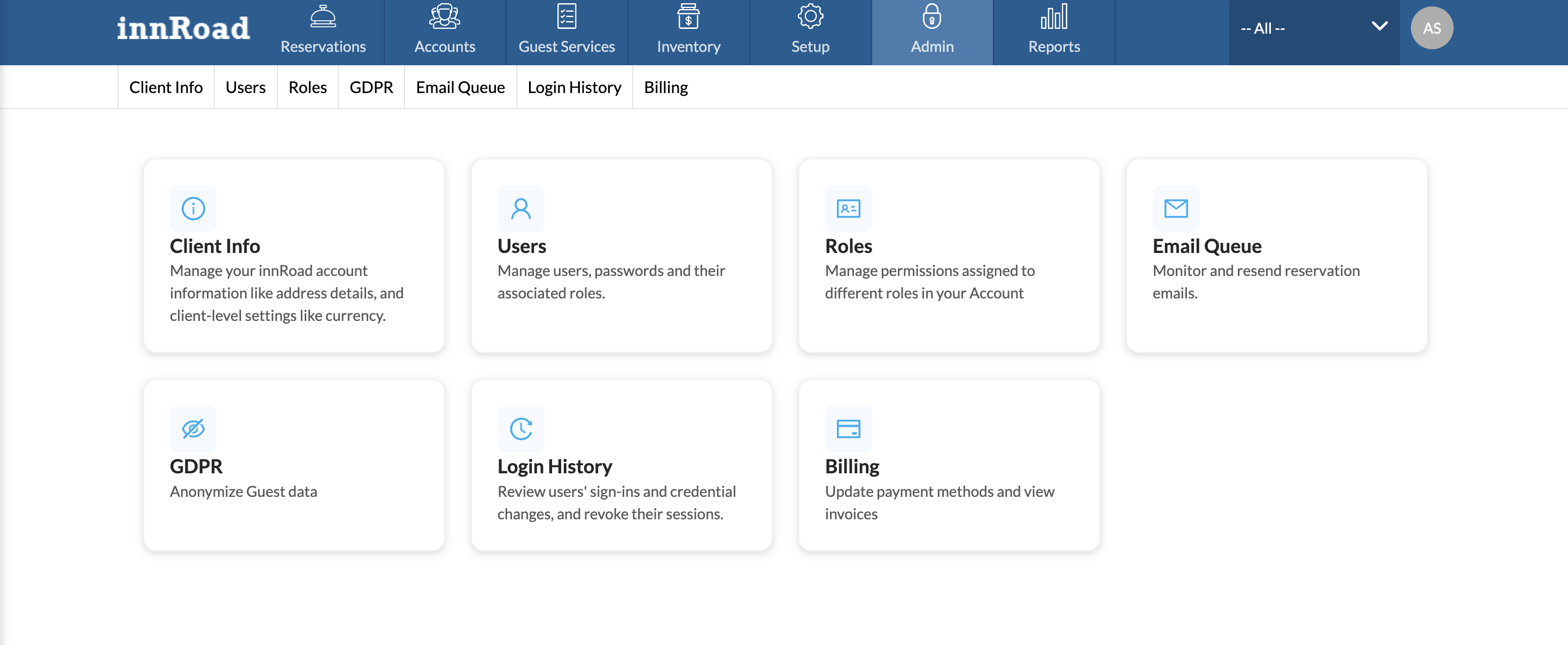
Use the Billing page in Admin to manage your innRoad subscription on your own: update your payment method, view and pay invoices, and update your billing details.
Note: Only users with the Billing role can see the Billing page. If you don’t see it, ask a billing user at your property or contact innRoad Support.
Open the Billing Page
- Go to Admin.
- Select Billing.
You’ll see a row for each property or subscription you manage billing for, along with the users who have billing access.
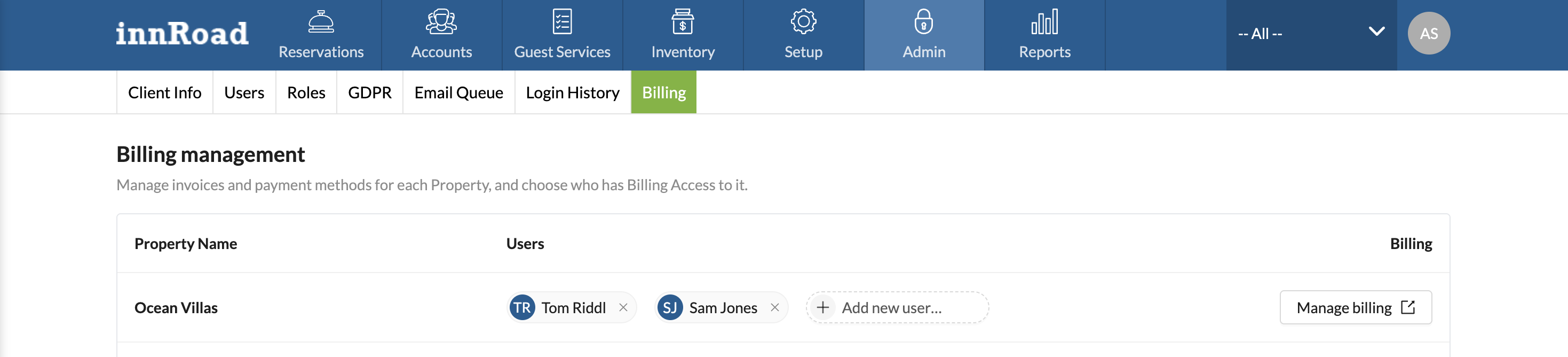
Manage Your Billing
- On the Billing page, find the property you want to manage.
- Select Manage Billing.
From there, you can:
- Update your card or bank account.
- View and download invoices and receipts.
- Pay an open invoice.
- Update your billing address, billing email, and tax ID.
When you’re done, select Return at the top of the page to go back to innCenter.
Note: To change or cancel your subscription, contact your innRoad account manager or innRoad Support.
Give Another User Billing Access
- Go to Admin > Billing.
- Click "Add Users" and select the user to grant billing access.
The user will see Billing the next time they log in. Only existing billing users can give billing access to others.
Frequently Asked Questions
Why can’t I see Billing in Admin?
You need the Billing role. Ask a billing user at your property to add it, or contact innRoad Support. If it was just added, log out and back in.
Why can’t I remove a billing user?
Every property needs at least one billing user, and you can’t remove billing access from yourself. Give another user the Billing role first, then have them remove it from the previous user.
A property is missing from my Billing page. What should I do?
Contact innRoad Support.
I saw an error when I selected Manage Billing. What should I do?
Go back to the Billing page and try again. If the error continues, contact innRoad Support.
Does this affect how I take payments from guests?
No. The Billing page is designed to manage your innRoad subscription.
Was this article helpful?
That’s Great!
Thank you for your feedback
Sorry! We couldn't be helpful
Thank you for your feedback
Feedback sent
We appreciate your effort and will try to fix the article